


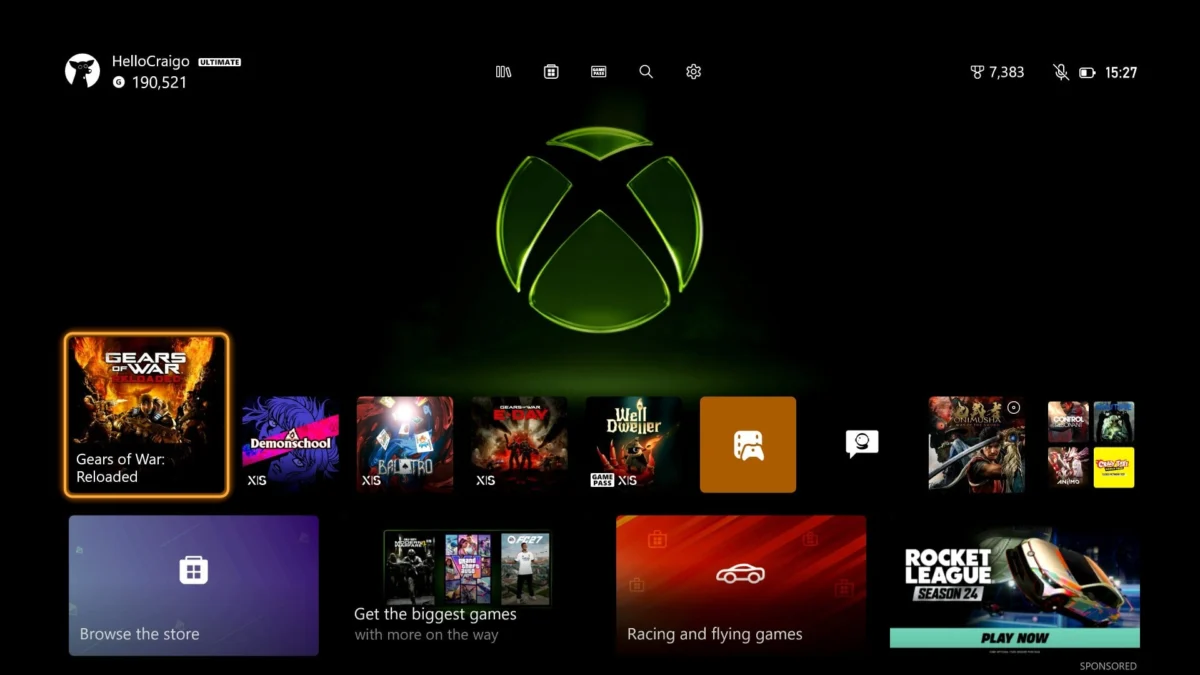
Xbox has initiated the rollout of a significant new dashboard feature designed to provide players with immediate, visual feedback on their game progress and social connections directly from their game tiles. This innovative update, currently being tested among a select group of Xbox Insiders, represents a continued evolution in the platform’s user interface, aiming to enrich the player experience through increased information density and accessibility. The feature integrates dynamic tags onto game tiles, displaying real-time data such as achievement completion percentages and the online status and current activities of friends, thereby transforming the static game library into a more interactive and informative hub.
The Evolution of the Xbox Dashboard and the New Tag System
The Xbox dashboard has undergone numerous transformations since its inception, each iteration striving to balance aesthetic appeal with functional utility. From the original Xbox Blade interface to the Metro UI of the Xbox 360, and the more recent adaptations for the Xbox One and Xbox Series X|S, Microsoft has consistently sought to refine how players interact with their games, friends, and the broader Xbox ecosystem. These changes are typically driven by a desire to enhance discoverability, improve navigation, and foster a more connected gaming community. The introduction of dynamic game tile tags marks another step in this ongoing evolution, signaling a move towards a more personalized and data-rich user experience.
The new tag system visualizes key pieces of information directly on or around game tiles. For instance, a game tile might now display a tag indicating "23/23 Achievements" for a fully completed title, or a small icon showing that a friend is currently engaged in a specific game like Halo Infinite. This contextual information is designed to be glanceable, allowing players to quickly ascertain details about their own progress or the activities of their social circle without needing to navigate into individual game hubs or friend lists. The underlying mechanism involves the dashboard interface actively tracking player data, including Gamerscore achievements, and cross-referencing it with real-time friend activity. This data is then rendered dynamically as small, informative overlays.
Initial Rollout and the Xbox Insider Program
The deployment of these new game tile tags is currently restricted to members of the Xbox Insider Program, specifically those enrolled in the Alpha and Alpha Skip-Ahead rings. The Insider Program serves as Microsoft’s crucial public testing ground for upcoming features, system updates, and game releases. It operates on a tiered system, with Alpha Skip-Ahead and Alpha rings receiving the earliest and often most experimental builds. This phased rollout strategy allows the Xbox development team to gather critical feedback from a dedicated user base, identify bugs, and refine features before a broader release.
The process typically involves Insiders opting into specific rings, granting them access to pre-release software. Their usage data, bug reports, and direct feedback through dedicated channels (like the Xbox Insider Hub) are invaluable in shaping the final product. For a feature like dynamic dashboard tags, initial feedback from Alpha users will likely focus on aspects such as visual clarity, information relevance, potential for customization, and any performance impacts. This iterative development approach, leveraging a passionate community, has been a cornerstone of Xbox’s software development cycle for years, ensuring that new features are robust and user-centric by the time they reach general availability. The timeline for a feature to move from Alpha to broader release (Beta, Delta, Omega rings, and finally general public) can vary widely, typically ranging from a few weeks to several months, depending on the complexity of the feature and the feedback received.
Detailed Feature Mechanics and Information Display
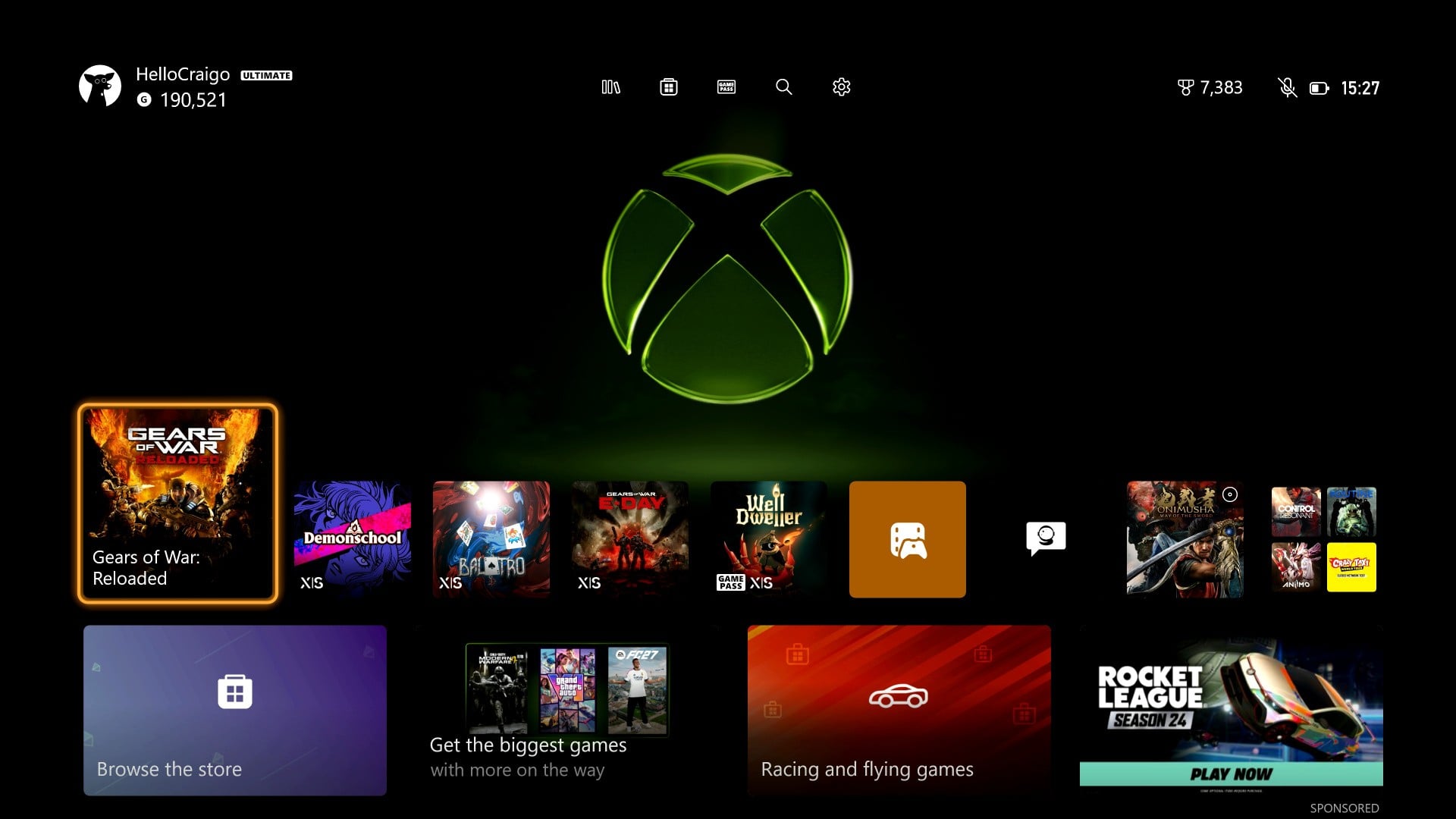
The implementation of these dynamic tags exhibits a nuanced approach to information display, adapting based on user interaction. When a game tile is not actively highlighted or enlarged on the dashboard, the tags appear to float above the tile, providing an immediate overview without obscuring the game art. However, when a user hovers over a specific game tile, causing it to enlarge and come into focus, the tags seamlessly integrate inside the tile itself. This adaptive placement suggests a design consideration for maximizing visual information while minimizing potential clutter, aiming for an optimal balance between utility and aesthetics.
The information currently displayed falls into two primary categories:
- Achievement Progress: This tag provides a clear numerical representation of achievements earned for a specific game, such as "23/23 Achievements." For dedicated achievement hunters, this offers an immediate gratification and a quick way to track their completion status across their library. It can also serve as a subtle prompt for players to revisit games where they might be close to achieving full completion.
- Social Activity: This category highlights the real-time gaming status of friends within the user’s Xbox network. Seeing a tag indicating that a friend is "Playing Halo Infinite" can foster spontaneous multiplayer sessions, encourage communication, and strengthen social bonds within the gaming community. It makes the dashboard a more lively and connected space, reflecting the dynamic nature of online gaming.
While the initial rollout focuses on these two types of information, the underlying technology has the potential for significant expansion. Future iterations could incorporate tags for:
- Game Pass status (e.g., "Available on Game Pass")
- New DLC or expansion pack availability
- Special in-game events or limited-time offers
- Game update availability or download progress
- Personalized recommendations based on play history
- Community challenges or leaderboards
Such expansions would further solidify the dashboard’s role as a comprehensive information hub, tailored to individual player interests and engagement patterns.
Broader Context: The Role of Achievements and Social Gaming
The introduction of these tags underscores the enduring importance of achievements and social interaction within the modern gaming landscape. Achievements, first popularized on Xbox with the introduction of Gamerscore, have evolved beyond simple bragging rights to become a significant driver of player engagement and replayability. Websites like TrueAchievements, which meticulously track and analyze achievement data, boast millions of users globally, demonstrating a vibrant community dedicated to unlocking every virtual accolade. For many players, the pursuit of a complete Gamerscore or 100% achievement completion for a favorite title adds a layer of depth and challenge beyond the main narrative. The new dashboard tags provide a more immediate and constant reminder of this pursuit.
Similarly, social gaming remains a cornerstone of the Xbox experience. The ability to connect with friends, join parties, and jump into multiplayer sessions seamlessly is a key differentiator for console platforms. Data consistently shows that players who engage with friends online tend to spend more time on the platform and exhibit higher retention rates. Features that facilitate these connections, such as friend lists, party chat, and now, direct visibility of friend activity on the dashboard, are crucial for fostering a robust and engaged community. By making social information more prominent and accessible, Xbox aims to reduce friction in connecting with friends and enhance spontaneous multiplayer opportunities.

User Experience Implications and Community Reactions (Inferred)
The immediate reaction within the Insider community, as evidenced by early social media posts, has been a mix of enthusiasm for the added functionality and cautious concern regarding potential visual clutter. The example shared by an Insider named Troy, showcasing achievement completion for Destiny 2 and a friend playing Halo Infinite, highlights the utility of the feature. However, the design choice to have tags float above or within tiles depending on hover state raises questions about consistency and visual hierarchy.
Potential Benefits:
- Enhanced Information Accessibility: Players gain instant access to relevant data without deep menu diving.
- Increased Engagement: Seeing achievement progress can motivate players to return to games. Observing friends online can prompt spontaneous social gaming.
- Improved Discoverability: Quick visibility of what friends are playing might encourage users to try new games or revisit old ones.
- Personalization: The feature contributes to a more personalized dashboard experience, reflecting individual progress and social network.
Potential Concerns:
- Dashboard Clutter: As noted in initial observations, if a user has many friends online and the achievement count is a permanent fixture across a large game library, the dashboard could become visually overwhelming. This is particularly relevant for users with extensive digital game libraries.
- Information Overload: While beneficial, too much information can be counterproductive, leading to decision fatigue or a sense of disorganization.
- Performance Impact: While likely minor, rendering dynamic tags could theoretically add a negligible overhead to dashboard performance, especially on older console models.
The critical element for the feature’s long-term success and widespread acceptance will undoubtedly be the inclusion of user-configurable options. The initial feedback from the Insider community strongly suggests that the ability to toggle these tags on or off, or to customize which types of information are displayed, will be essential. This level of control empowers users to tailor their dashboard experience to their preferences, whether they prefer a minimalist interface or a data-rich display. Without robust customization options, a feature intended to enhance the user experience could inadvertently alienate a segment of the user base who prioritize a clean, uncluttered interface.
Official Responses and Design Philosophy (Inferred)
While no official statement has been released regarding the specific design philosophy behind these tags, Microsoft’s past UI/UX initiatives suggest a focus on efficiency, personalization, and community integration. The development team likely aims to create a "living" dashboard that reflects the player’s current activities and interests, rather than a static menu. The iterative nature of the Insider Program allows the team to experiment with such concepts, gather empirical data, and refine the execution based on real-world usage.
The inferred design goals would include:
- Reducing friction: Minimizing the steps required for players to get relevant information or connect with friends.
- Enhancing immersion: Making the dashboard feel like an extension of the gaming experience rather than a separate menu system.
- Fostering community: Encouraging social interaction by making friend activity more visible.
- Driving engagement: Providing constant, subtle prompts for players to engage with their games and social network.
The team will be closely monitoring Insider feedback, particularly concerning the balance between information density and visual clarity. Future updates based on this feedback are highly probable, potentially introducing the much-requested customization toggles or refining the tag placement and visual design.
Future Outlook and Broader Implications
The introduction of dynamic game tile tags is more than just a minor aesthetic tweak; it represents a philosophical shift towards a more intelligent, personalized, and interactive console interface. As gaming ecosystems become increasingly complex, integrating features like Game Pass, cloud gaming, and cross-platform play, the dashboard’s role as a central hub for all these experiences becomes even more critical. Features that intelligently surface relevant information without overwhelming the user are key to navigating this complexity.
Looking ahead, this development could pave the way for even more sophisticated dashboard functionalities. Imagine a system that learns your gaming habits and proactively highlights new releases in genres you enjoy, or suggests games your friends are playing that align with your interests. The data-driven approach behind these tags lays the groundwork for such advanced personalization.
Ultimately, the success of the new dynamic game tile tags will hinge on Microsoft’s responsiveness to user feedback during the Insider testing phase. If the concerns regarding clutter are adequately addressed through robust customization options, this feature has the potential to significantly enhance the Xbox user experience, making the dashboard a more intuitive, informative, and engaging gateway to the world of gaming. It reinforces Xbox’s commitment to evolving its platform to meet the dynamic needs and preferences of its global player base, ensuring that the console remains at the forefront of interactive entertainment.