

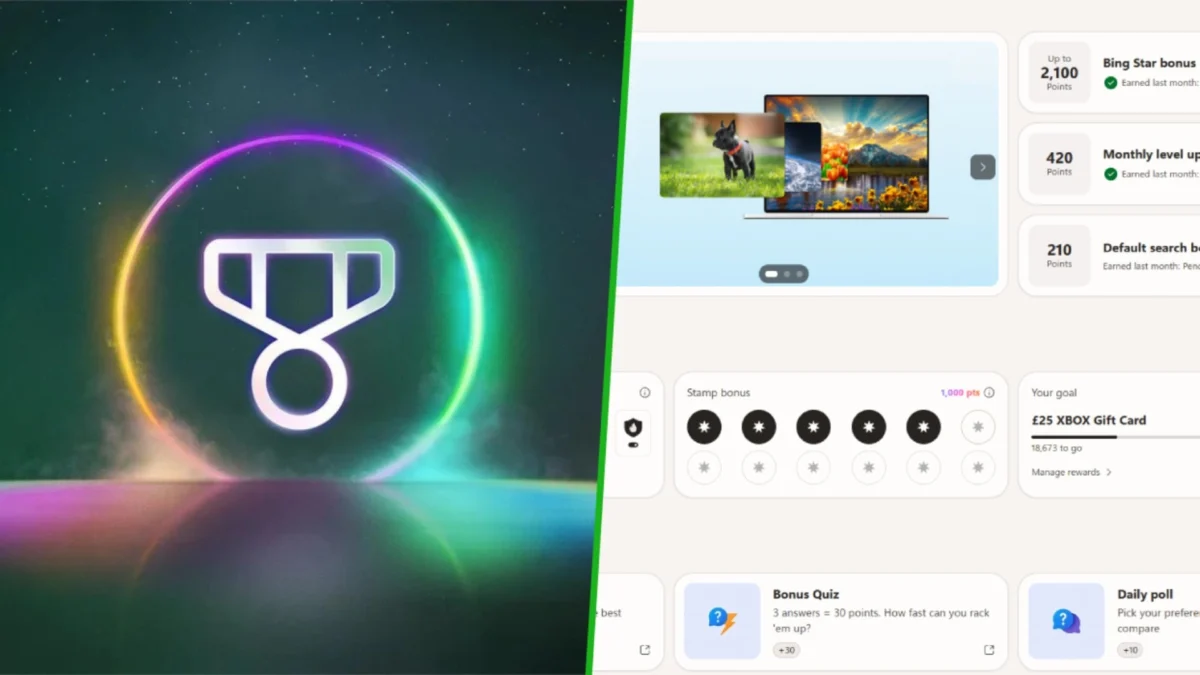
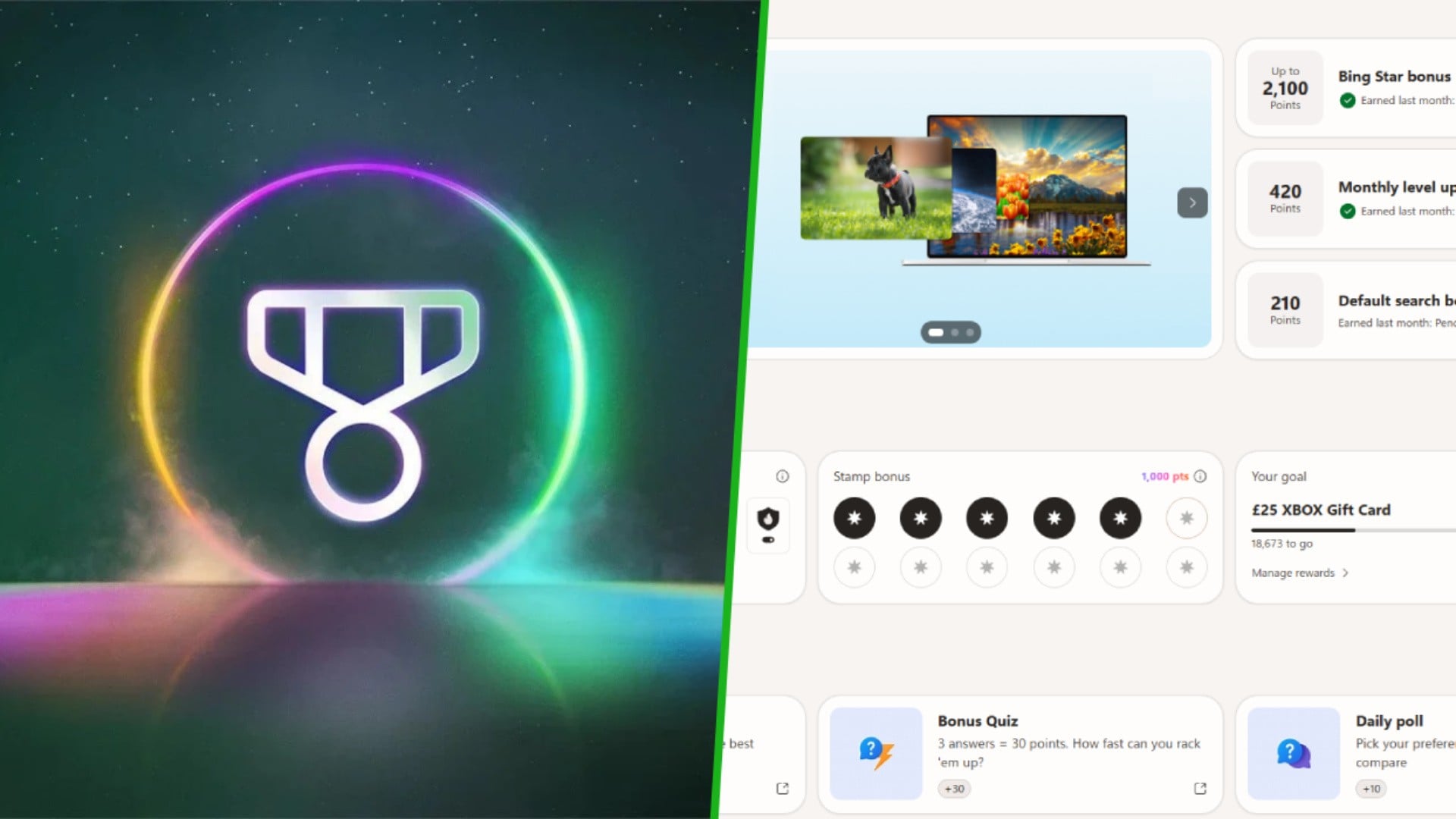
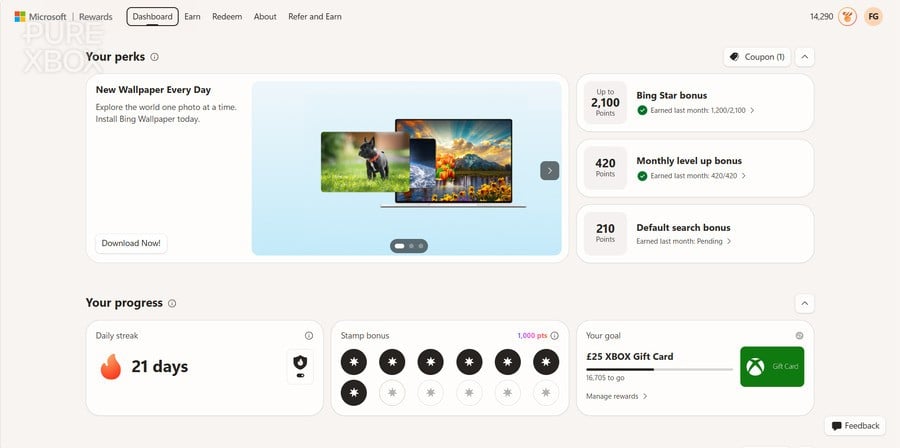
The Microsoft Rewards program, a cornerstone of the company’s consumer engagement strategy, has recently undergone a significant overhaul of its user interface. This new dashboard, which began a phased rollout across PC and mobile platforms several months ago, has now reached the majority of the United States user base. The update represents a substantial shift in how users interact with the platform to earn points redeemable for gift cards, subscriptions, and hardware. While the redesign aims to modernize the experience, the initial reception from the dedicated Microsoft Rewards community has been characterized by friction, with many users citing increased complexity and a less intuitive layout compared to the legacy system.
As the ecosystem becomes more centralized across Windows, Bing, and the Xbox platform, understanding the nuances of the new interface is essential for users aiming to maximize their monthly point yields. Industry data suggests that a disciplined user can generate upwards of 10,000 points per month, a value equivalent to approximately $10 USD in digital currency, which can be applied toward high-value purchases such as Xbox Game Pass Ultimate or upcoming major software releases.
The Evolution of Microsoft Rewards: A Chronology of Integration
The Microsoft Rewards program has transitioned from a simple search-incentive tool—originally launched as Bing Rewards in 2010—into a multi-platform loyalty ecosystem. In 2016, the program was rebranded to its current name, expanding its reach to include the Microsoft Store and Xbox consoles. The recent dashboard update is the latest step in Microsoft’s broader "One Microsoft" initiative, which seeks to unify user experiences across different hardware and software services.
Throughout late 2023 and early 2024, Microsoft implemented several backend changes, including the controversial introduction of "search cooldowns" and the reduction of point values for certain activities. The rollout of the new dashboard follows these adjustments, serving as the visual front-end for a restructured rewards economy. For many users, this transition has required a recalibration of their daily routines to maintain historical point-earning levels.
Optimization Strategies for the New Interface
To navigate the complexities of the updated dashboard, several tactical adjustments can be made to streamline the earning process. These strategies focus on leveraging specific platform features that offer higher efficiency and better task tracking.
1. Utilizing the Microsoft Rewards Sidebar for Enhanced Task Tracking
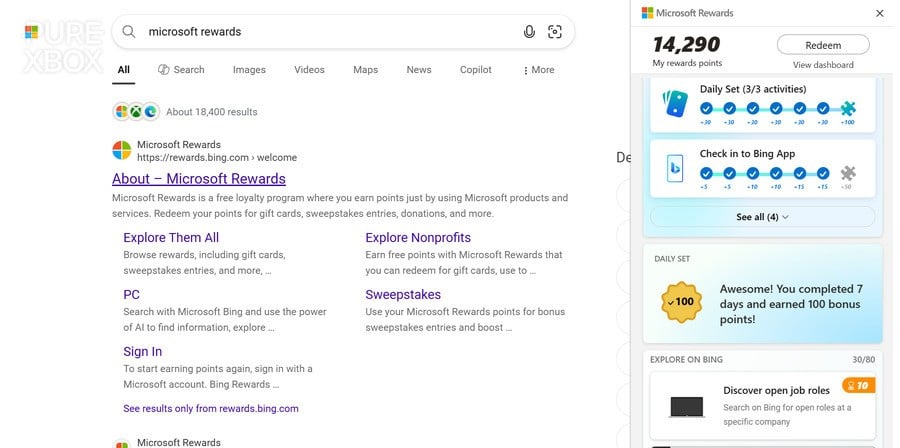
The primary web-based dashboard, accessible via rewards.bing.com, remains the central hub for the program. However, users have noted that the new layout often obscures pending tasks within nested menus. To counter this, a more efficient method involves utilizing the Microsoft Rewards sidebar integrated directly into the Microsoft Bing search results page.
By performing a standard search and selecting the Rewards icon in the top-right corner of the browser, users gain access to a vertical overlay. This sidebar provides a condensed, real-time view of daily streaks, active goals, and immediate earning opportunities. This interface is often more responsive than the full dashboard and presents tasks in a linear format, reducing the likelihood of overlooking time-sensitive activities.
2. Efficiency Gains via the Mobile Bing Application
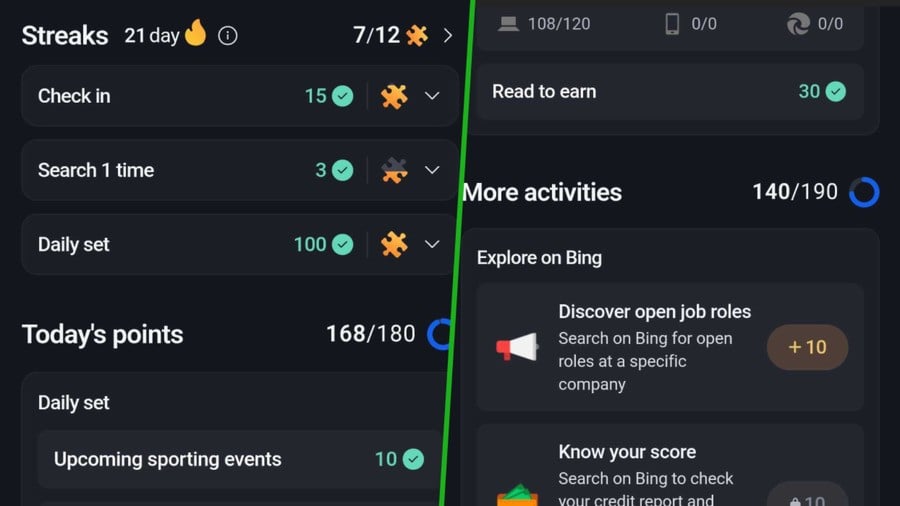
The Bing mobile application has emerged as the most versatile tool for point accumulation. The app integrates several features that are either absent or less accessible on the desktop version. Notably, the "Read to Earn" feature allows users to accrue up to 30 points daily by interacting with news articles within the app’s feed.
Furthermore, the app facilitates the "Daily Check-in" streak. Data indicates that consistent daily check-ins can yield over 400 points per month, providing a passive income stream for users who maintain their streaks. The mobile interface also simplifies the search process by offering suggested search terms, which can significantly reduce the time required to meet daily search quotas compared to manual entry on a PC.
3. De-mystifying the Visual Search Requirement
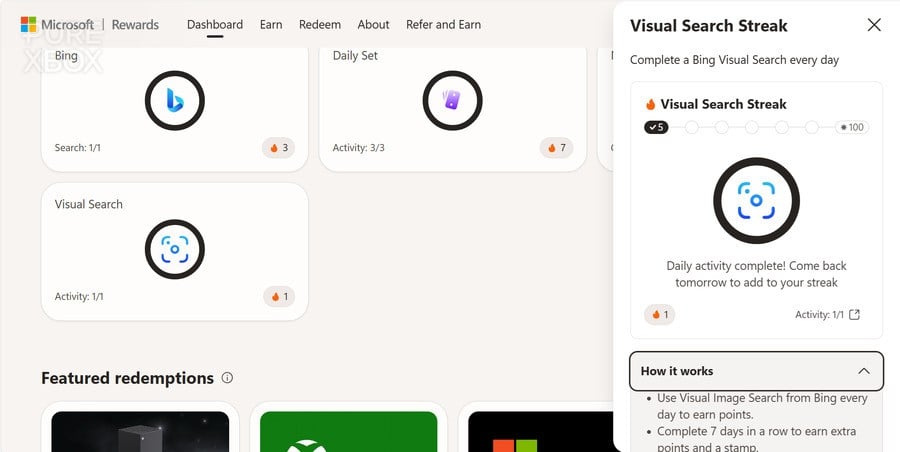
One of the more recent additions to the daily task rotation is the "Visual Search" activity. This task incentivizes the use of Microsoft’s image recognition technology. While initially perceived as cumbersome by the user base, the process can be simplified. Visual Search allows users to search the web using an image as the query to find similar products, recipes, or locations.
Users can fulfill this requirement efficiently by visiting the dedicated Bing camera portal and selecting from the provided sample images. This action triggers the search mechanism and satisfies the daily requirement. Given that this task contributes to a monthly total of over 400 points, it remains a high-priority item for those optimizing their rewards output.
4. Identifying Dashboard-Exclusive Multi-Day Quests
Despite the utility of the sidebar and mobile app, the main web dashboard remains essential for "Quests." These are multi-stage objectives that often offer higher point rewards, ranging from 50 to 100 points, and occasionally include promotional offers for third-party services.
These quests are frequently omitted from the simplified sidebar view. Consequently, periodic audits of the "Earn" tab on the primary dashboard are necessary. These quests often require interactions over several days, meaning that missing the initial window of opportunity can disqualify a user from the final point payout. These activities are a critical component of reaching the 10,000-point monthly milestone.
5. Leveraging Cross-Platform Synergy with Xbox Ecosystems
The Microsoft Rewards program is increasingly intertwined with the Xbox ecosystem. For users who own an Xbox console or subscribe to Xbox Game Pass, the earning potential is significantly higher. The "Xbox Rewards" hub, integrated into the Xbox mobile app and console interface, offers points for playing specific games, earning achievements, and completing "Weekly Sets."
The synergy between PC, mobile, and console tasks is the most effective way to accumulate points. For instance, a user can earn points for a PC search in the morning, complete a mobile "Read to Earn" task during a commute, and finish the day by playing a Game Pass title on their console. This holistic approach ensures that all available point streams are utilized.
Data Analysis: The Economic Impact of Points
The value proposition of Microsoft Rewards is rooted in its ability to offset the cost of digital entertainment. Currently, the standard redemption rate for a $5 Microsoft Gift Card is approximately 5,000 points (slightly less for Level 2 members).
| Activity Category | Potential Monthly Points (Estimated) |
|---|---|
| PC & Mobile Searches | 4,500 – 5,100 |
| Daily Sets & Streaks | 1,200 – 1,500 |
| Bing App Check-ins & Reading | 1,300 – 1,500 |
| Xbox Game Pass Quests | 2,000 – 3,000 |
| Total Estimated Monthly Yield | 9,000 – 11,100 |
This data illustrates that by engaging with all facets of the program, a user can effectively earn a "free" $10 gift card every month. In the context of the gaming industry, where "AAA" titles are now priced at $69.99, a year of disciplined rewards accumulation can cover the entire cost of a flagship release, such as the highly anticipated Grand Theft Auto VI.
Community Response and Official Stance
The transition to the new dashboard has not been without controversy. On community forums such as Reddit’s r/MicrosoftRewards, users have expressed frustration over "nerfed" point values and the perceived increase in time investment required to earn the same rewards. Critics argue that the new UI is designed to increase "dwell time" on Bing and Edge, serving Microsoft’s advertising metrics rather than user convenience.
Microsoft has historically maintained that these changes are part of an effort to "evaluate and refine" the program to ensure its long-term sustainability. While the company rarely comments on specific point reductions, the official line emphasizes the program’s role in providing value to loyal customers across the Microsoft ecosystem.
Broader Implications for the Tech Industry
The evolution of Microsoft Rewards is a prime example of the "gamification" of consumer data. By incentivizing the use of Bing and Edge, Microsoft is attempting to chip away at Google’s dominance in the search market. Every point earned by a user represents a data point or an ad impression for Microsoft, creating a reciprocal relationship where the user’s time and data are traded for digital currency.
Furthermore, the integration with Xbox Game Pass highlights a shift toward subscription-based retention. By rewarding users for playing games within the service, Microsoft increases the "stickiness" of Game Pass, making it less likely that subscribers will cancel their memberships. This strategy is now being mirrored by competitors, such as Sony with its PlayStation Stars program, though Microsoft’s offering remains the most integrated and lucrative for daily users.
In conclusion, while the new Microsoft Rewards dashboard introduces a steeper learning curve and a redesigned interface, the fundamental mechanics of point accumulation remain intact. By utilizing the sidebar for tracking, the Bing app for mobile efficiency, and maintaining a presence in the Xbox ecosystem, users can navigate the new system effectively. As digital storefronts continue to move toward high-priced premium content, these rewards programs serve as an increasingly vital tool for consumers looking to maximize the value of their digital spending.