


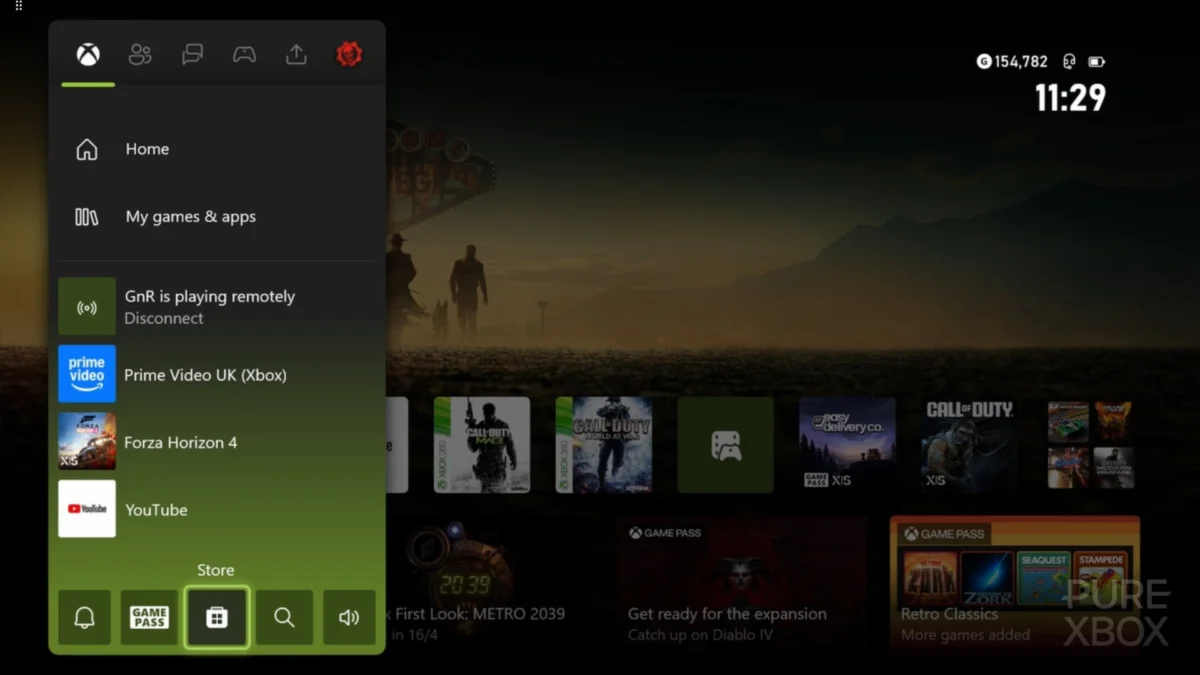
Microsoft has officially transitioned its latest system software update for the Xbox Series X and Xbox Series S from the Xbox Insider testing phase to a general public release. This update represents the first major overhaul of the console’s dashboard environment in several months, introducing a suite of features designed to streamline user navigation, improve technical transparency in cloud gaming, and enhance the utility of the console’s signature Quick Resume technology. While previous updates in the current console generation have focused largely on stability and minor bug fixes, this latest iteration provides tangible utility upgrades that address long-standing user requests regarding game management and interface personalization.
The Evolution of Quick Resume and Game State Management
At the forefront of this update is a significant refinement of the Quick Resume feature. Since the launch of the Xbox Series X|S in November 2020, Quick Resume has served as a primary differentiator for the platform, utilizing the Velocity Architecture’s NVMe SSD to save the state of multiple games simultaneously. This allows players to switch between titles in seconds without the need for traditional loading screens or menu navigation. However, early iterations of the feature were often criticized for a lack of transparency; users frequently found it difficult to track which games were currently suspended and which had been closed to make room for new sessions.
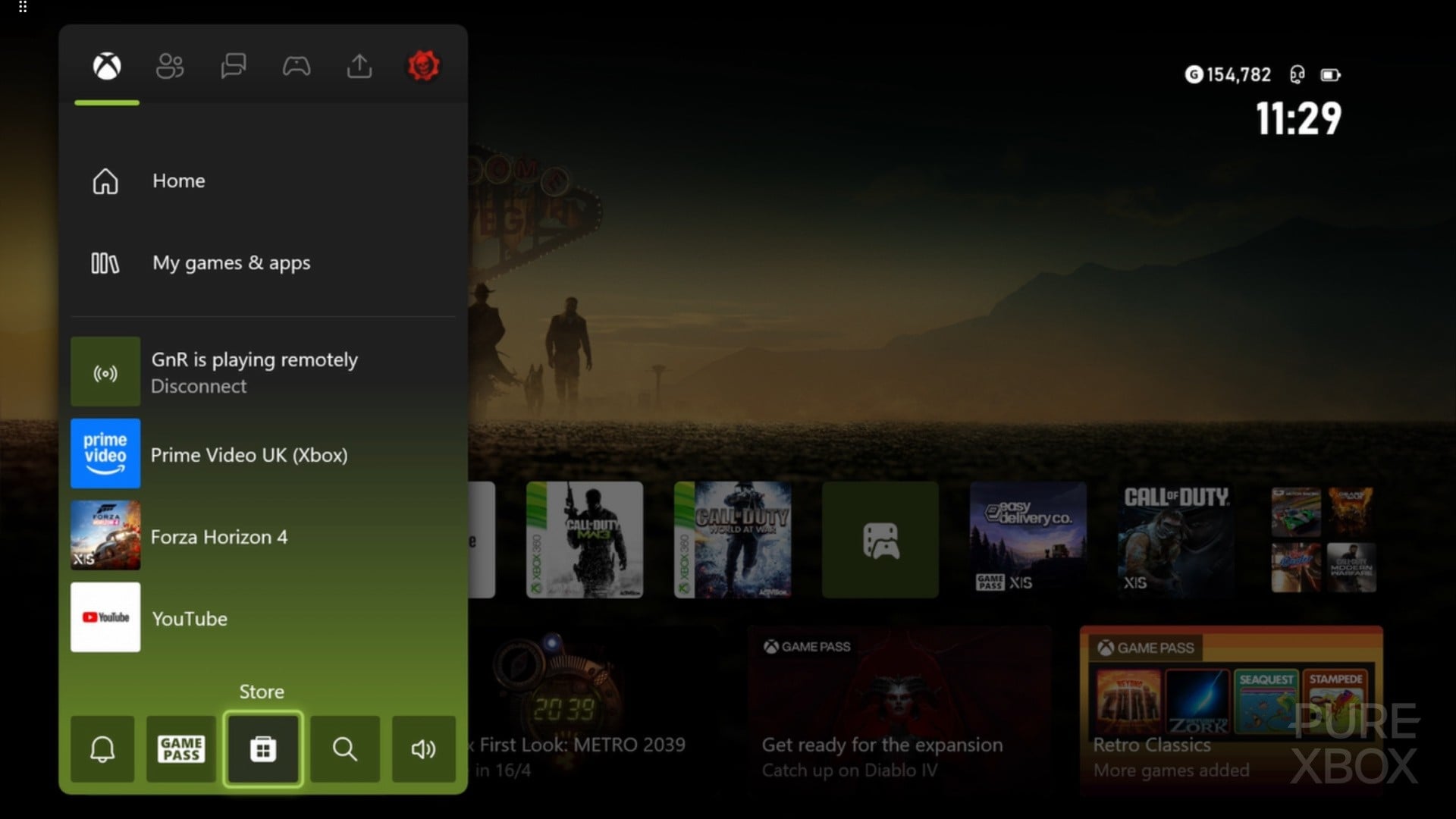
The new update addresses these concerns by introducing enhanced tracking and grouping for Quick Resume titles. Users can now view a dedicated list of active Quick Resume states directly within the Xbox Guide. Furthermore, the update provides a more robust notification system that alerts players when a game is being removed from the Quick Resume queue to accommodate a new title. This data-driven approach to memory management ensures that players can prioritize their most-played titles without losing progress unexpectedly. Technical data indicates that the Series X can typically hold between five and eight modern titles in this suspended state, depending on the memory footprint of each game, and the new management tools allow for more granular control over this resource.
Interface Customization and Visual Personalization
Beyond technical performance, Microsoft has implemented several aesthetic and organizational updates to the Xbox Home screen. The introduction of additional Xbox Home groups allows for more sophisticated categorization of digital libraries. With the expansion of digital storefronts and the massive volume of titles available through the Xbox Game Pass service—which currently hosts over 400 titles—users have increasingly demanded better ways to organize their content. The new grouping system allows for the creation of custom folders that can be pinned to the dashboard, facilitating quicker access to specific genres, multiplayer favorites, or "backlog" titles.
Furthermore, the update introduces new profile badges and expanded color customization options. These changes are part of a broader design philosophy that Microsoft has adopted over the last two years, moving away from the "tile-heavy" Windows 8-inspired aesthetic toward a more open, wallpaper-focused layout. By allowing users more freedom in how profile badges are displayed and how the guide menu is colored, Microsoft is aligning the console experience more closely with the highly customizable nature of modern PC gaming environments.
Advancements in Cloud Gaming and Technical Transparency
A significant portion of the update is dedicated to the Xbox Cloud Gaming (Beta) ecosystem. As Microsoft continues its "Everywhere is an Xbox" strategy, the console’s integration with cloud services has become a focal point. The latest update adds specific streaming quality indicators within the "Settings" menu. These include a "User Selected Resolution" toggle and a "Network Quality Indicator."
The Network Quality Indicator provides real-time data on latency, jitter, and packet loss, which are the primary factors affecting the "feel" of cloud-based gameplay. Previously, users experiencing input lag or visual artifacts had few diagnostic tools to determine if the issue was rooted in their local network hardware, their Internet Service Provider (ISP), or Microsoft’s data centers. By exposing this data, Microsoft provides enthusiasts with the information needed to optimize their home networks for a stable 1080p/60fps stream. Additionally, the Play History tab in "My Games & Apps" has been redesigned to better track sessions across both local hardware and cloud instances, providing a unified view of a player’s engagement with the ecosystem.
Chronology of Xbox Dashboard Development
To understand the significance of this update, it is necessary to examine the timeline of the Xbox Series X|S software lifecycle. Unlike the transition from the Xbox 360 to the Xbox One, which saw a radical departure in UI design, the Series X|S launched with a familiar interface that has undergone iterative refinement:
- November 2020: Launch of Xbox Series X|S with a UI nearly identical to the late-stage Xbox One, prioritizing familiarity and cross-generation parity.
- Late 2021: Introduction of 4K dashboard resolution for the Series X, addressing complaints regarding the blurriness of the 1080p UI on ultra-high-definition displays.
- July 2023: The "Home Refresh" update, which significantly reduced the size of top-row icons and moved the search and settings buttons to the top of the screen to showcase dynamic backgrounds.
- Early 2024: Integration of touch controls for remote play and further refinements to the Xbox mobile app connectivity.
- Present Update: The public rollout of Quick Resume management, cloud diagnostics, and expanded personalization.
This chronological progression demonstrates a shift from foundational stability to user-centric features and technical transparency.
Official Positioning and Industry Context
Microsoft’s Xbox engineering team, led by figures such as Eden Marie and Jason Ronald, has been vocal about the iterative nature of the console’s OS. In recent statements, Xbox representatives have emphasized that the dashboard is a "living" entity that evolves based on telemetry and direct community feedback. This latest update is a direct response to feedback gathered from the Xbox Insider program, where users noted that while the hardware was powerful, the software did not always provide enough feedback regarding background processes.
Industry analysts suggest that these updates are vital for Microsoft as it competes with Sony’s PlayStation 5, which features a distinct "Activities" system and a highly integrated UI. While Sony’s approach is more focused on deep integration within individual games, Microsoft’s strategy focuses on the platform as a whole, ensuring that the transition between different games and services (like Game Pass and Cloud Gaming) is as frictionless as possible.

Future Implications and Upcoming Overhauls
The release of this update serves as a precursor to even more substantial changes currently in development. Microsoft has already confirmed that it is testing a comprehensive overhaul of the Xbox Achievement system. The current "Gamerscore" model has remained largely unchanged since its inception in 2005, and users have long requested a system that offers more prestige for "completing" a title, similar to the "Platinum Trophy" found on PlayStation platforms.
Additionally, Microsoft engineers have recently taken to social media and official forums to solicit ideas for future console features, suggesting that the development roadmap for 2024 and 2025 is heavily influenced by the "User Voice" program. This open dialogue between the manufacturer and the player base has become a hallmark of the Xbox brand under the leadership of Phil Spencer.
Strategic Impact on the Gaming Ecosystem
The broader impact of these dashboard updates extends beyond simple convenience. By improving Quick Resume and Cloud Gaming indicators, Microsoft is reinforcing the value proposition of its subscription services. If a user can jump between five different Game Pass titles in under a minute without losing their place, they are more likely to remain engaged with the service. Similarly, by providing network diagnostics for cloud gaming, Microsoft is lowering the barrier to entry for users who may be skeptical of streaming technology.
The data suggests that as digital libraries grow, the "time to play" metric becomes the most critical factor in user satisfaction. This update directly addresses that metric by reducing the friction of game management. As the Xbox Series X|S enters the middle of its lifecycle, the focus is clearly shifting from "what the hardware can do" to "how the software can make the hardware more accessible."
The update is currently rolling out globally. Users who have their consoles set to "Instant-On" or "Standby" mode will likely receive the update automatically, while others can initiate the download manually through the system settings menu. As the gaming community begins to integrate these new tools into their daily routines, the feedback generated will undoubtedly inform the next stage of the Xbox platform’s evolution.